How it works
What your AI phone agent does on a call, and what it needs from you first.
Your restaurant gets a phone number that is always answered. Every call to it reaches an AI agent that knows your live menu, talks like a host, and puts orders straight into your POS.
The two modes
Every call resolves to one of two behaviours. The decision is made before the agent says a word, by comparing the current time against the opening hours you set.
Hours are evaluated in Eastern Time (America/Toronto), not your local timezone. If you operate elsewhere, set your hours in Eastern Time. Overnight windows (say 17:00–02:00) are handled correctly.
Open → order mode
The agent greets the caller, helps them browse, and takes the order:
- It knows every category and your best-selling items, and can search the full menu.
- It reads back the order and the total before confirming.
- The order lands in your POS as a new ticket and prints on your existing kitchen printers, exactly like a walk-in order.
- The caller gets a text with the order ID, the itemised list, the total, and your address and hours.
Closed → inquiry mode
Instead of taking an order, the agent answers questions ("what time do you open?", "do you do gluten-free?"), captures the caller's details, and logs the call as a lead for the morning. Nobody reaches a voicemail.
Returning callers
If a caller's phone number is already in your customer list, the agent greets them by name and has their order history available.
Your dashboard
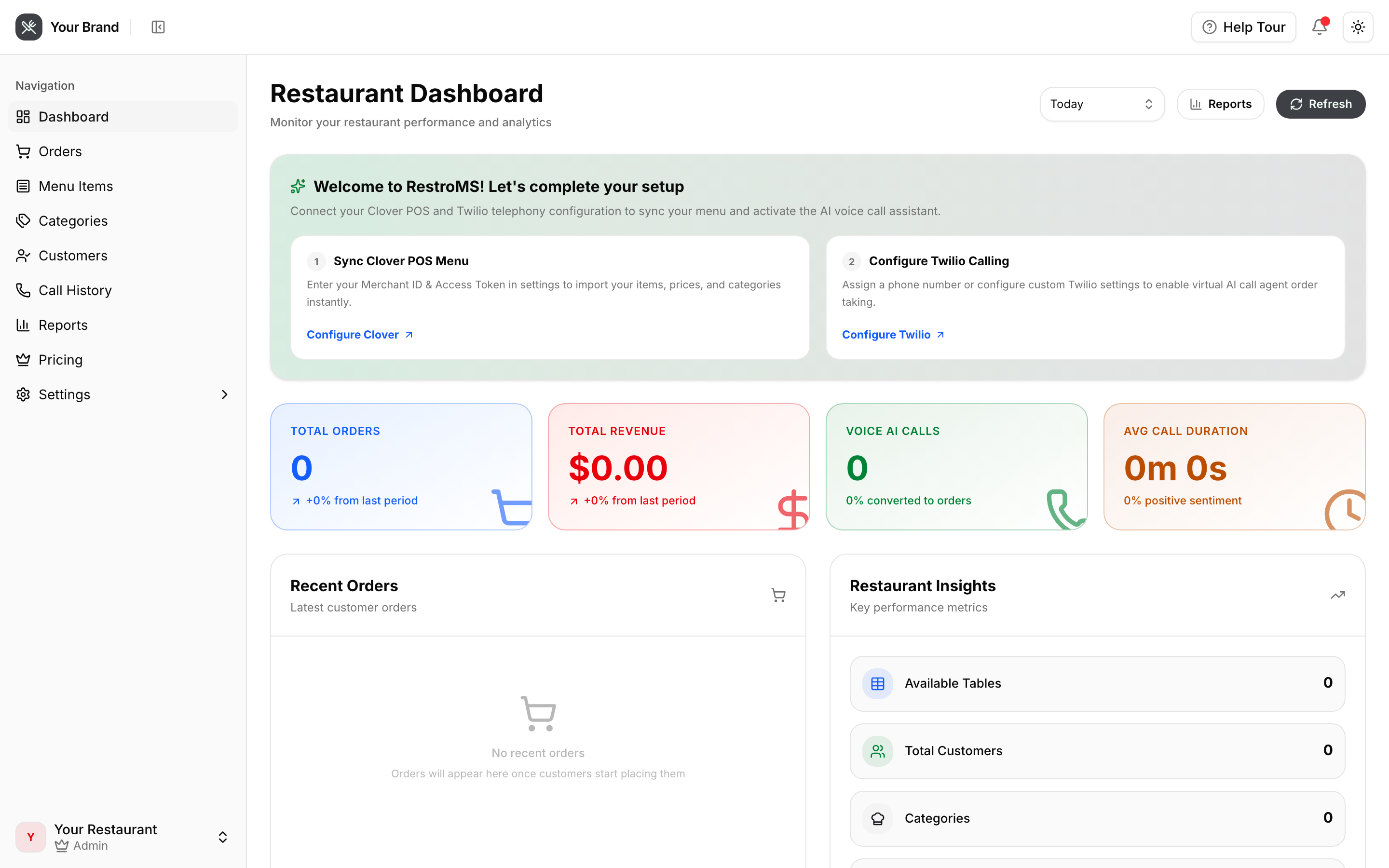
What every call leaves behind
A recording, a full transcript, an AI summary, a sentiment score, a quality score, and tags such as order placed, user frustrated or agent confused — all attached to the call in Call history.