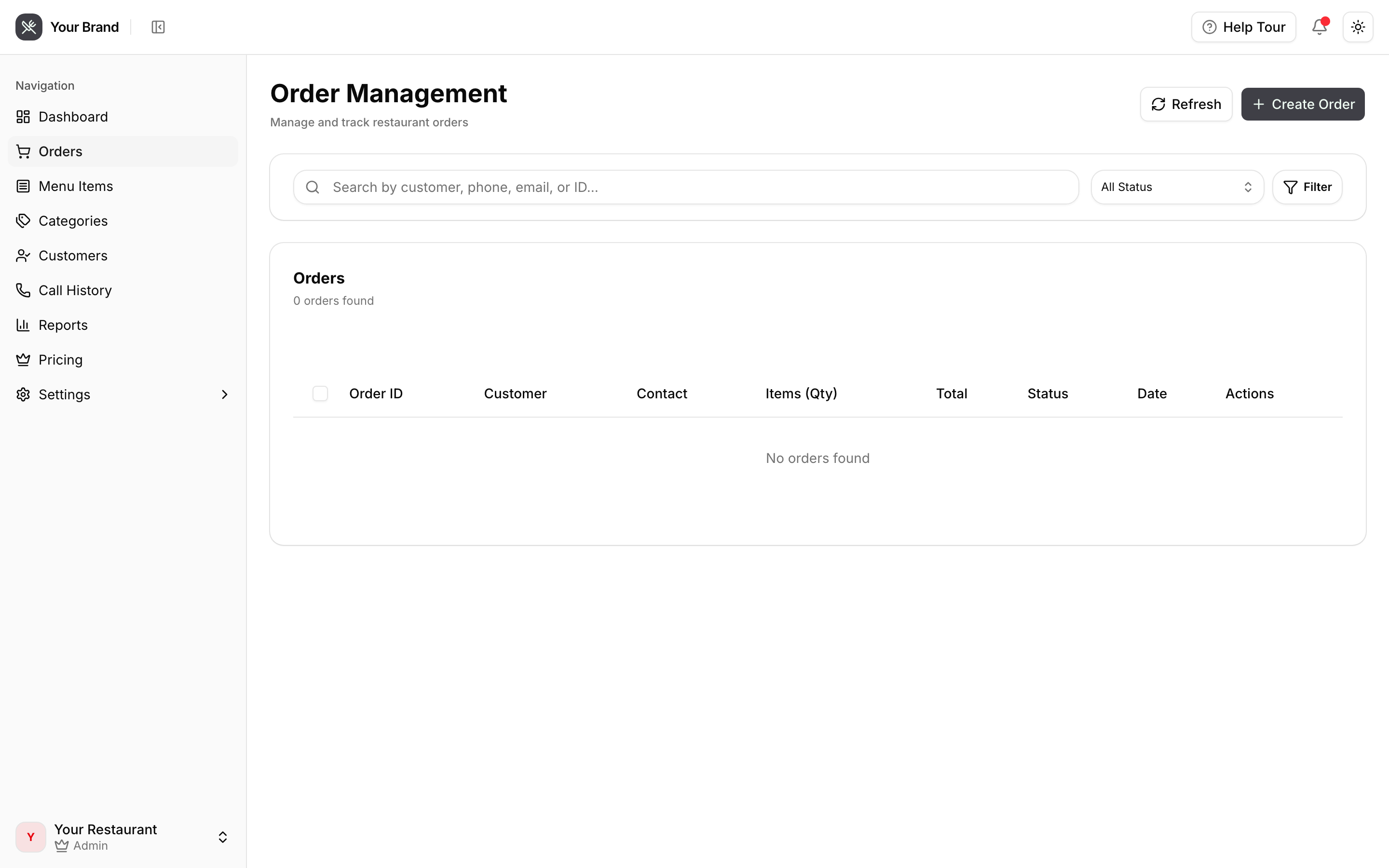
Orders
Where phone orders land, and how they reach your kitchen.
Orders the agent takes appear here and, if your POS is connected, on your POS at the same time.
Where an order actually goes
When the agent finishes taking an order, four things happen more or less at once:
- The order is recorded here, against the caller's customer record.
- A ticket is created in your POS and prints on your existing kitchen printers — the same as a walk-in order.
- The caller gets a text confirming the order ID, the items, the total, and your address and hours.
- Staff devices with notifications enabled get a push alert.
Your kitchen workflow does not change. Phone orders arrive on the POS exactly like any other order, so nobody has to watch this screen for the kitchen to work.
If an order is missing from your POS
The order appearing here but not on your POS means the handoff failed, not that the call did. Check, in order:
| Check | Where |
|---|---|
| Is Clover connected at all? | Connecting Clover |
| Has the API token been revoked or expired? | Settings → Clover POS → Verify Connection |
| Does the token still have order-write permission? | Your Clover account |
The order details are all here, so nothing is lost — it can be rung in manually while you sort the connection out.
Orders and customers
Every order is attached to the caller's phone number. That's what lets the agent greet returning callers by name and refer to what they ordered last time.