Credentials
Bringing your own Twilio and xAI accounts, and how they are stored.
You bring two external accounts. After onboarding they live under Credentials in your dashboard, and they are used for every call on your tenant.
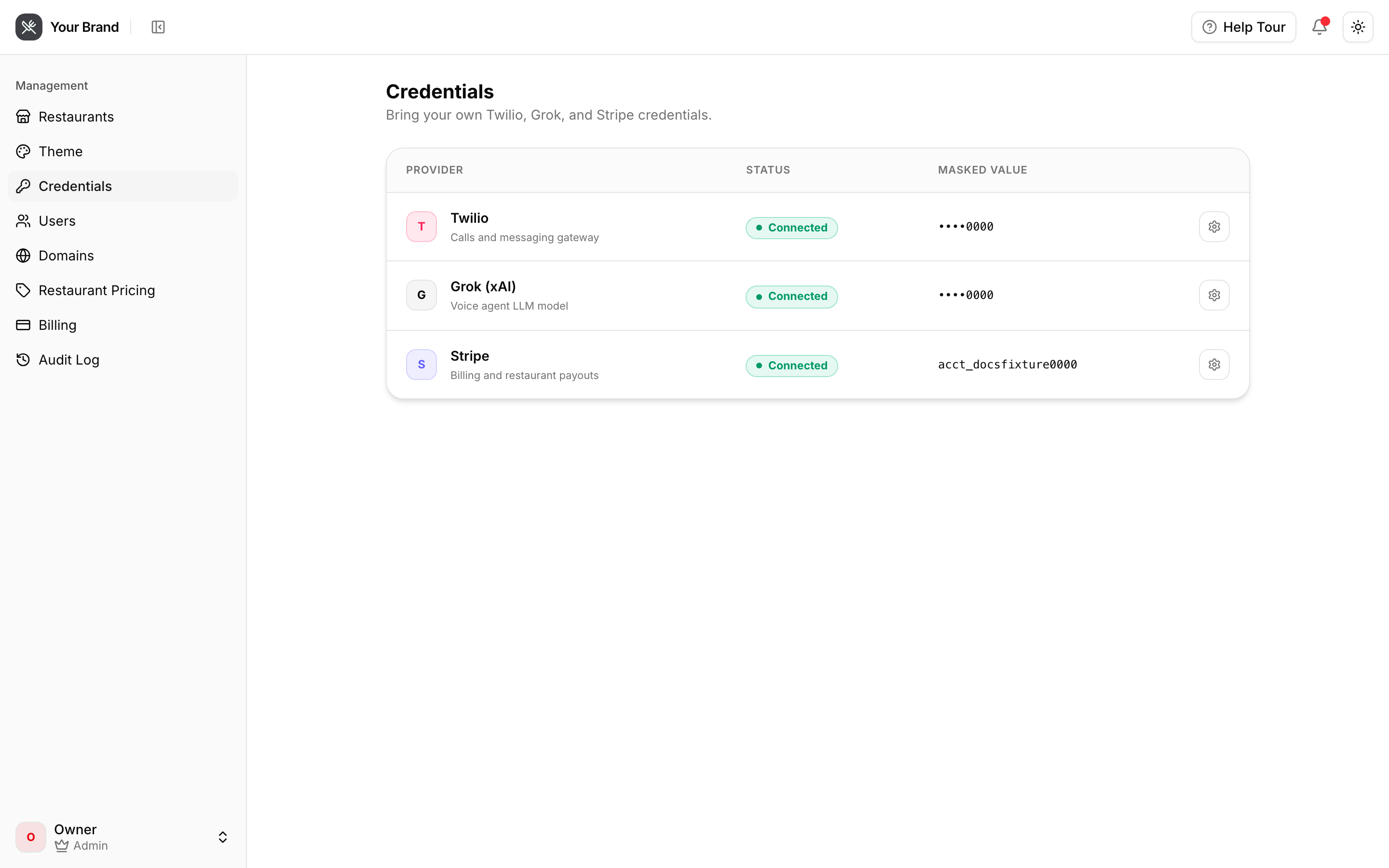
What you bring
| Service | What for | Where it's billed |
|---|---|---|
| Twilio | Phone numbers and call transport | Your Twilio account |
| xAI (Grok) | The agent's language model | Your xAI account |
What the platform provides
Speech-to-text and text-to-speech are supplied by Happy Voice and included in your platform plan. You don't need accounts for them.
No platform fallback
If your xAI key is missing or invalid, calls on your tenant fail — they do not quietly fall back to a platform key. The same is true of Twilio: without your credentials, no phone numbers can be provisioned for your restaurants.
This is deliberate. Falling back would mean your usage silently landing on someone else's bill.
How they're stored
Credentials are encrypted at rest and never returned by the API once saved. Re-open the
settings page and you'll see a mask like ••••1234, not the value.
A saved credential displays as Configured · ••••0000 with a Replace action. So if you lose a key, you cannot recover it here — rotate it at the source and paste the new one.
Testing
Each credential has a test action — Test key for xAI, Test connection for Twilio — that makes a real call to the provider. Use it after every change: a typo in an Auth Token is otherwise invisible until a customer's call fails.
Rotating
Paste the new value, test, save. Changes take effect for calls that start afterwards; calls already in progress finish on the old credential.