Managing restaurants
Adding client restaurants, what they see, and how they affect your bill.
Your restaurants are your clients. Each one gets its own dashboard, its own phone number and its own subscription to a plan you published.
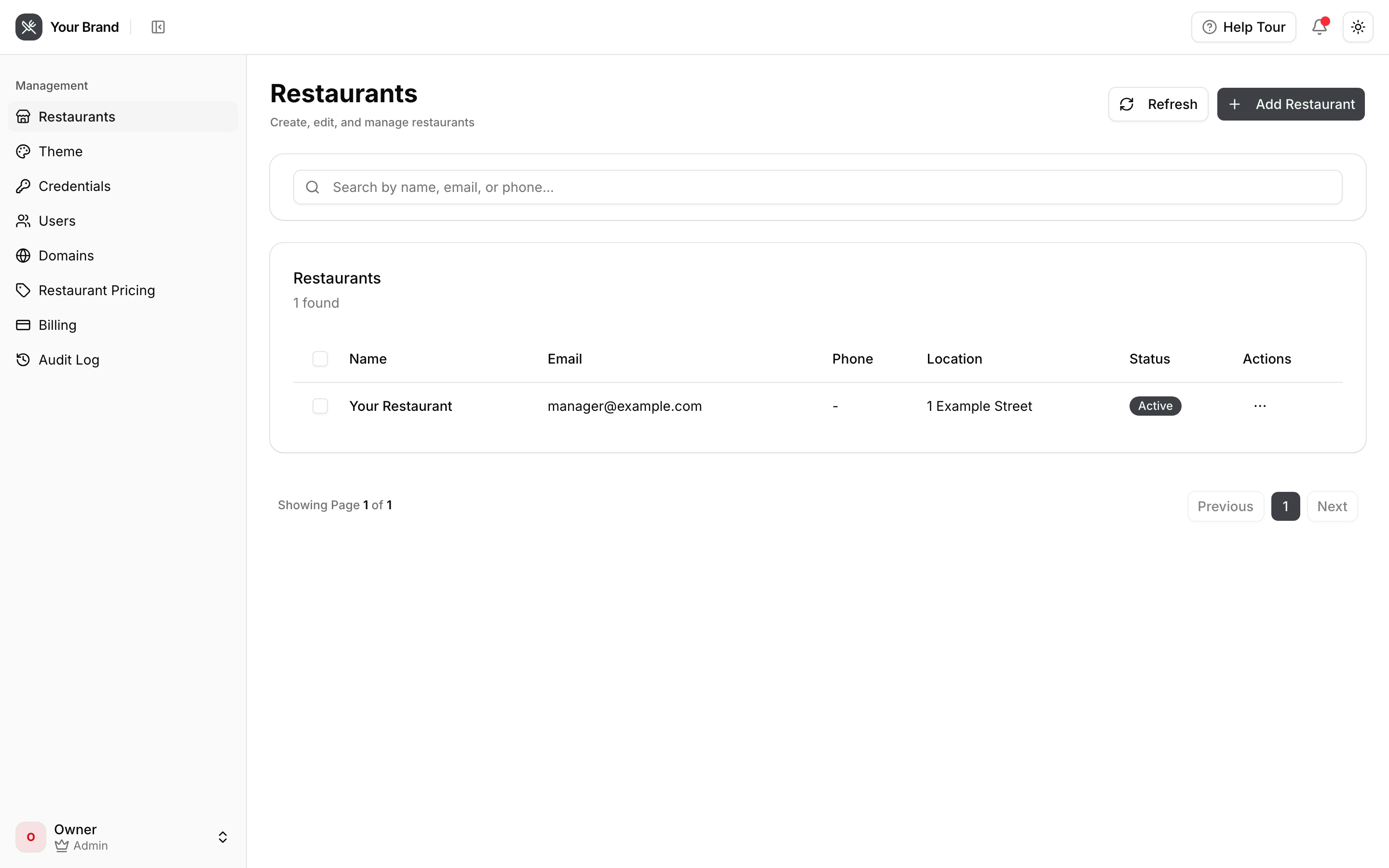
Adding a restaurant
Two routes, and which you use depends on how you sell:
They sign themselves up. Send them to your portal and they complete the four-step restaurant onboarding themselves — details, hours, phone number, plan. They pick from the plans you published in Connecting Stripe. This scales; you do nothing.
You create them. Add the restaurant from this page and hand over the login. Better for hands-on onboarding, or when you're migrating a client who already trusts you.
Either way the restaurant lands in the dashboard you branded, at your domain, paying your prices.
What a restaurant can and cannot see
They see their own data and nothing else — orders, menu, customers, call history, reports and settings for their restaurant only. They cannot see your other clients, your credentials, your platform plan, or what you pay Happy Voice.
The word "Happy Voice" does not appear anywhere in their dashboard.
Status, and what it means for billing
Only active restaurants count toward your platform plan's included allowance and its per-restaurant overage. Deactivating a restaurant reduces the count, prorated by Stripe from that moment — see Platform billing.
Deactivating is not the same as deleting. A deactivated restaurant stops serving calls and stops counting toward your bill, but its history is retained. Deleting is permanent.
Theming
Every restaurant inherits your brand automatically — name, logo, colours, support email. There is nothing to configure per restaurant, and no way for a restaurant to override it.
Change your theme once and every client's dashboard follows.
Helping a restaurant get set up
Point them at the restaurant guide. It's written brand-neutrally and refers to you as their provider throughout, so you can link it directly without it contradicting your branding.
The two things clients most often need help with:
- Connecting Clover — they need a Merchant ID and API token from their own Clover account. See Connecting Clover.
- Opening hours — these decide whether a caller gets order mode or inquiry mode, and they are evaluated in Eastern Time. Restaurants elsewhere must express hours in Eastern Time.